Screenshots
See It in Action
Click any screenshot to enlarge.
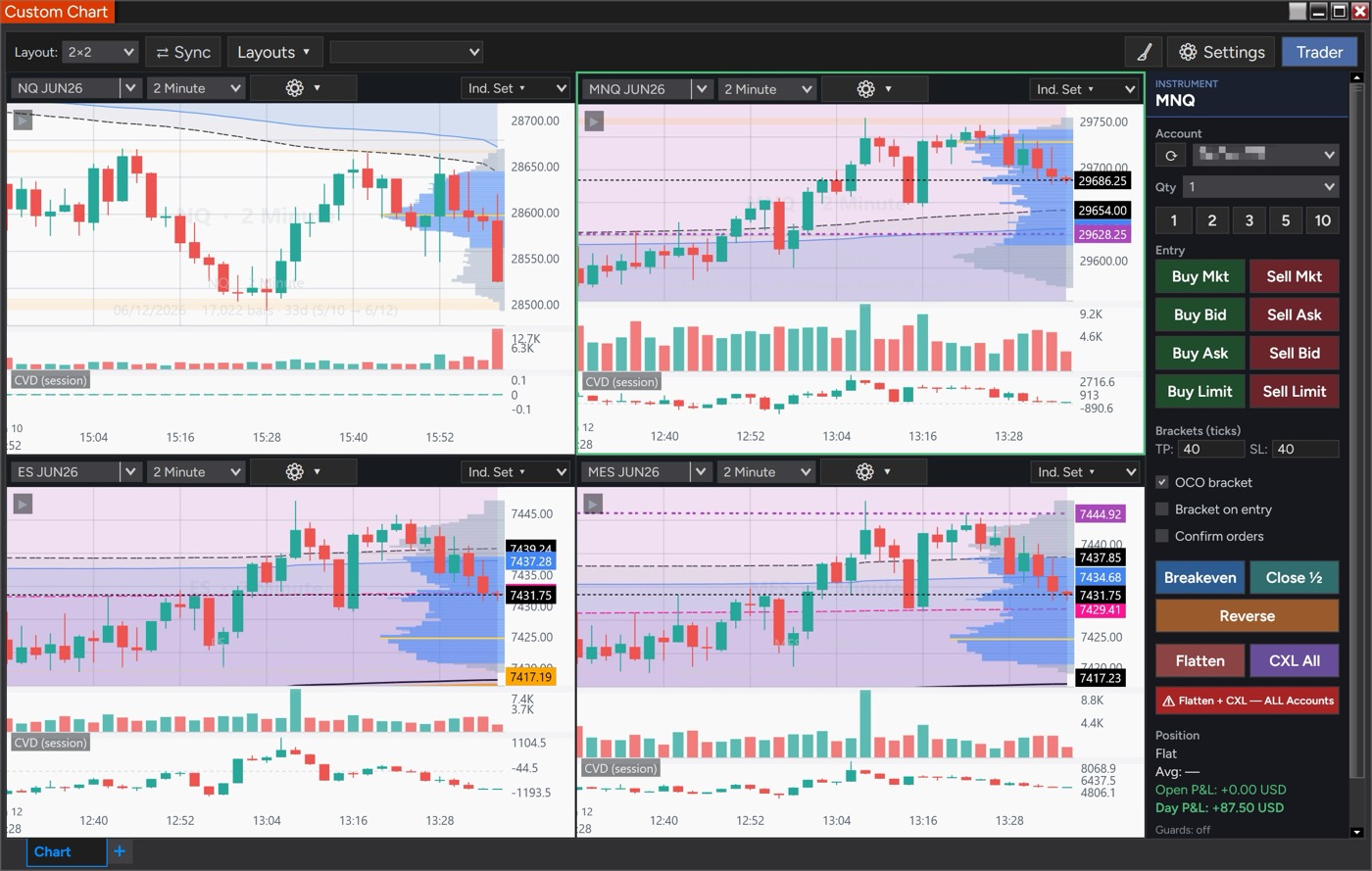
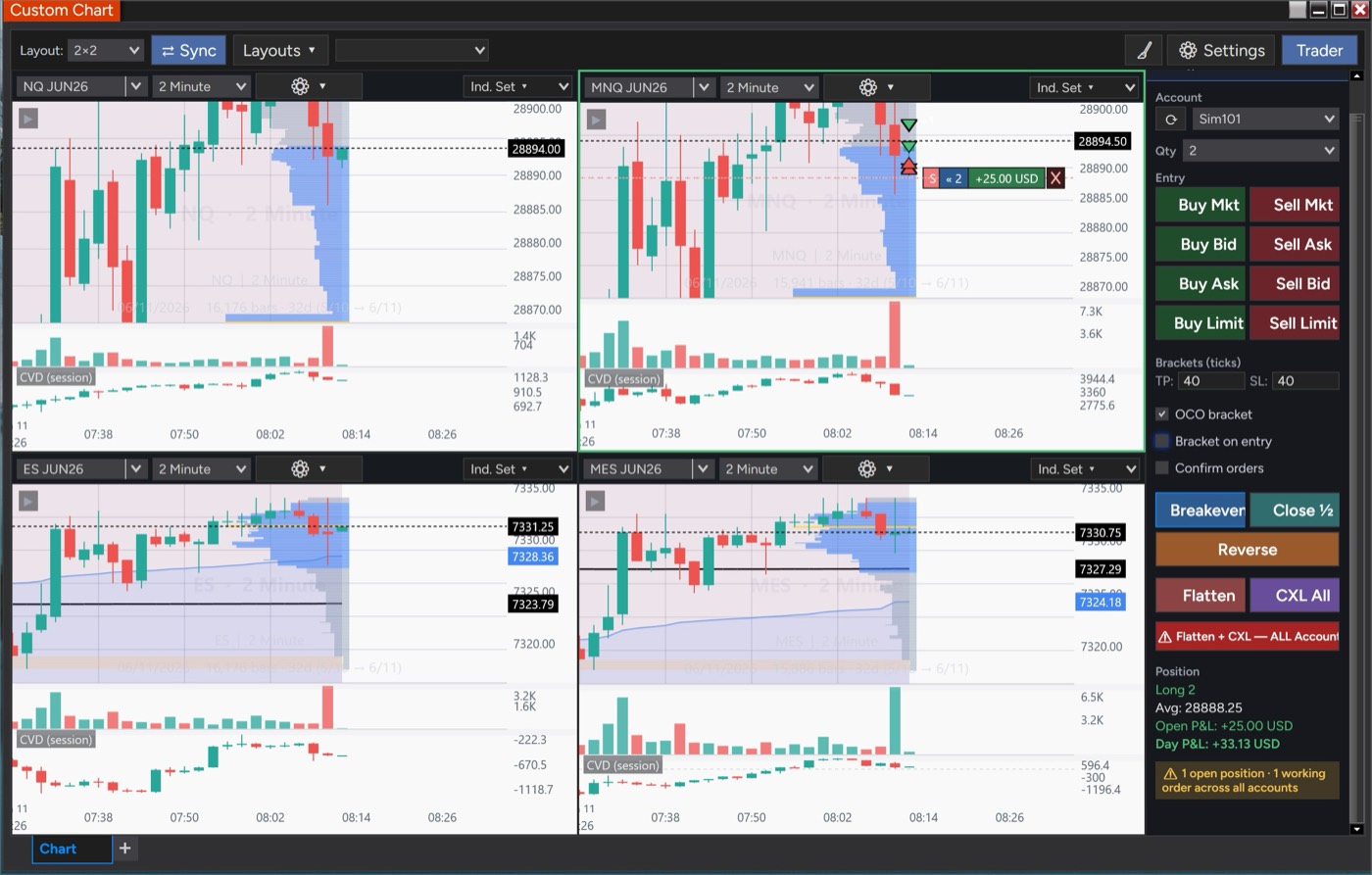
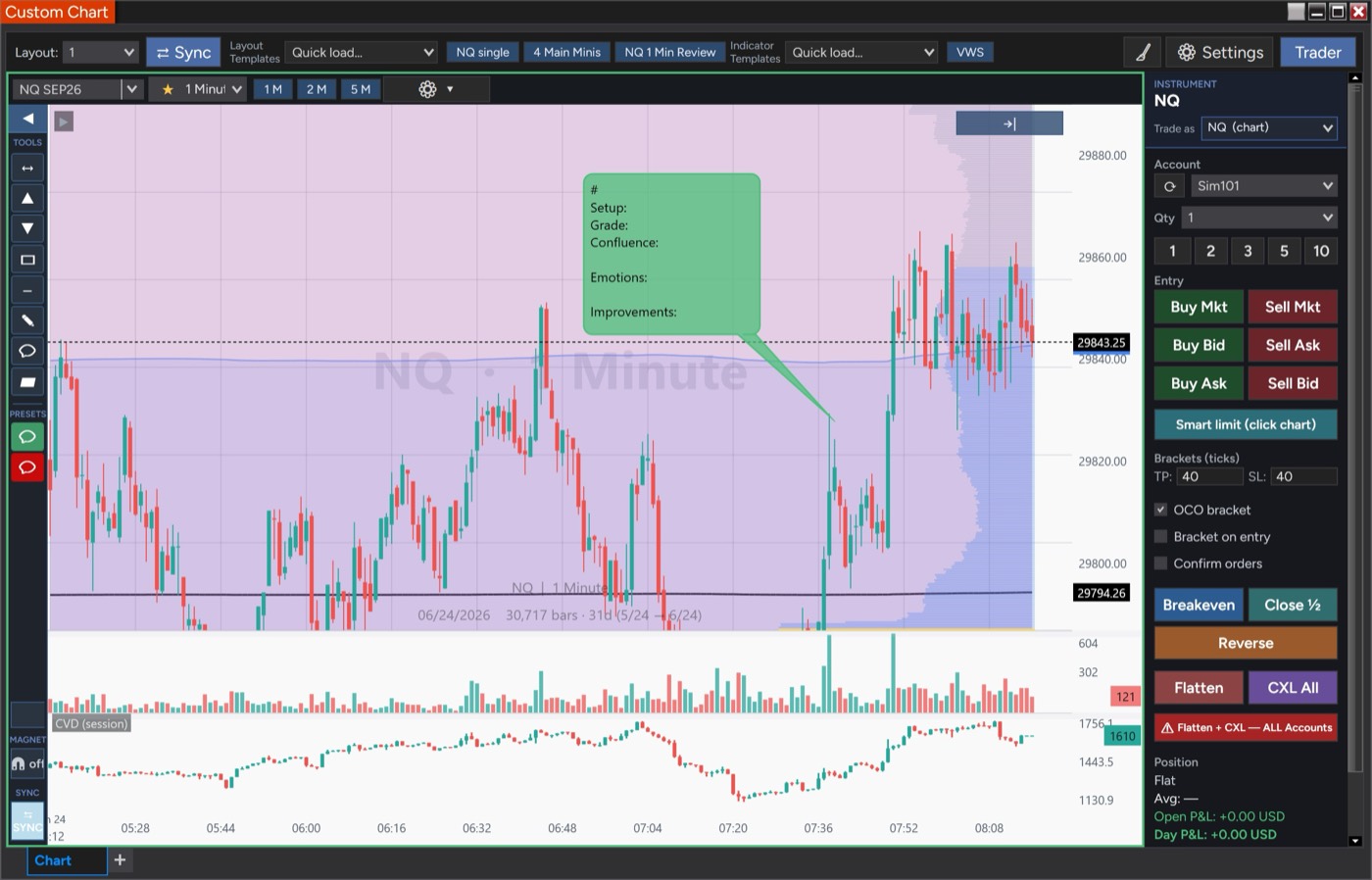
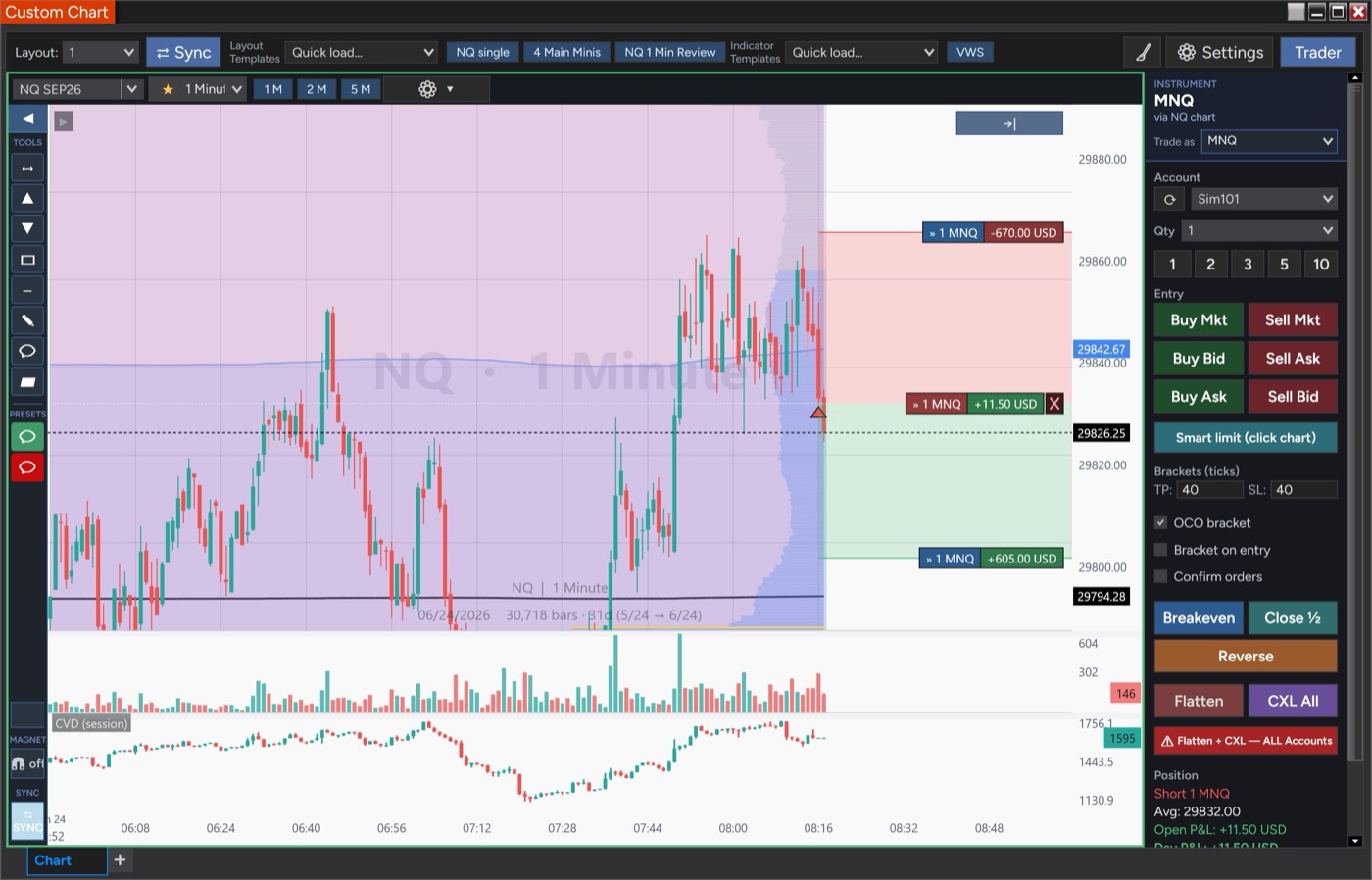
Modern charting & chart trading for NinjaTrader 8
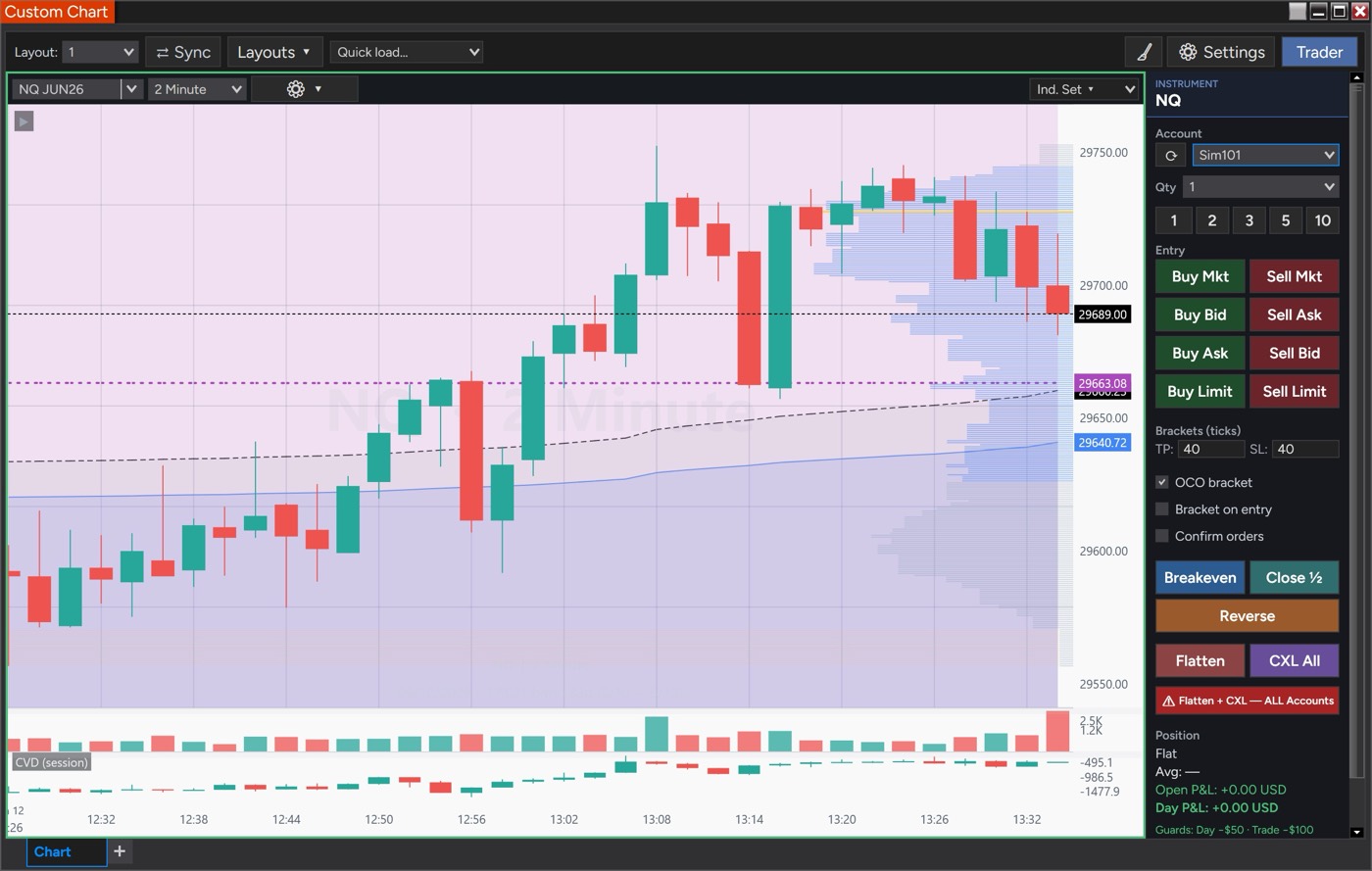
A clean, fast charting workspace with an integrated trader, multi-chart layouts, a full indicator suite — VWAP with σ bands, Volume Profile, moving averages, Bollinger, Donchian, ATR Bands — and order-flow tools. Chart and trade right inside NinjaTrader 8.
A precise, modern charting workspace with an integrated trader, a full indicator suite, and order-flow tools — designed to feel familiar and built for NinjaTrader 8.
Working orders and brackets right on the price axis, with one-click entries, breakeven, and flatten in the Trader panel.
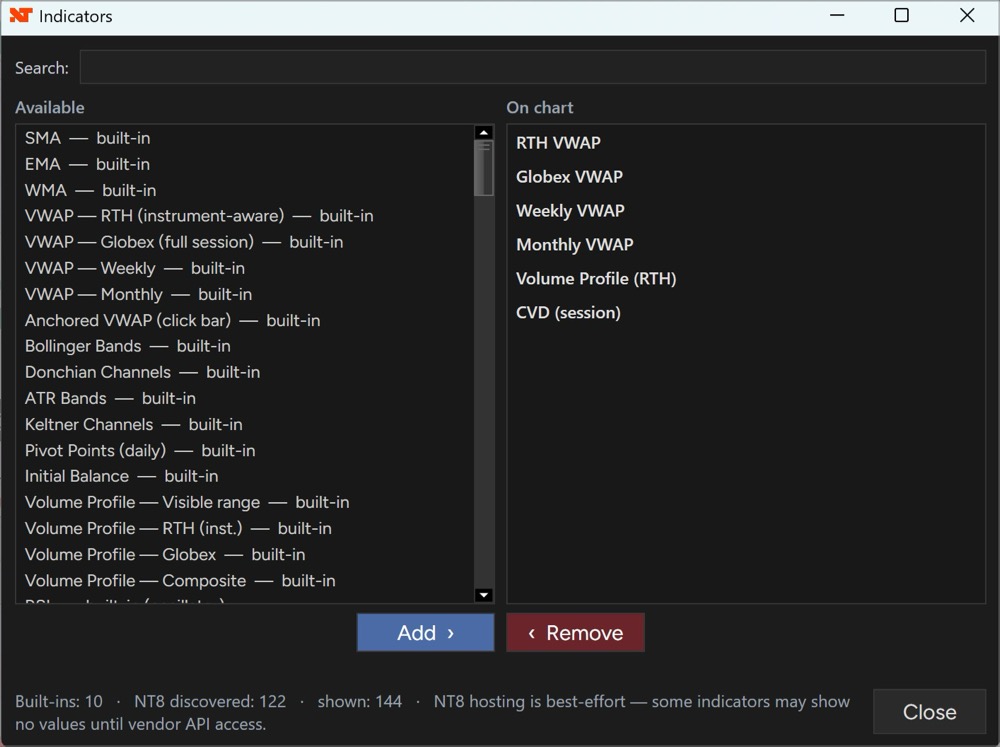
Tick-accurate VWAP family (RTH/Globex/Weekly/Monthly/Anchored) with σ bands, moving averages, Bollinger, Donchian, ATR Bands, and CVD.
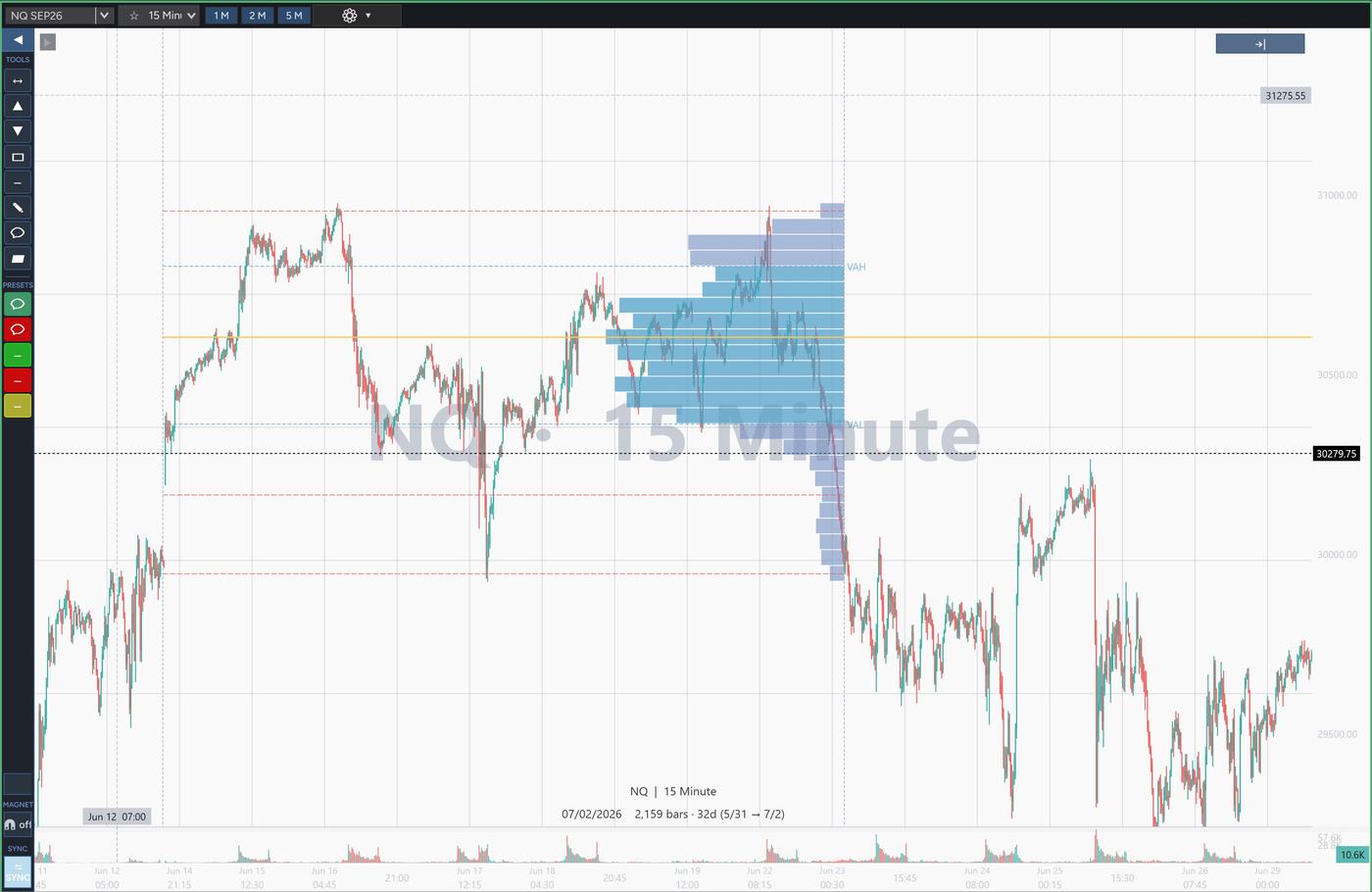
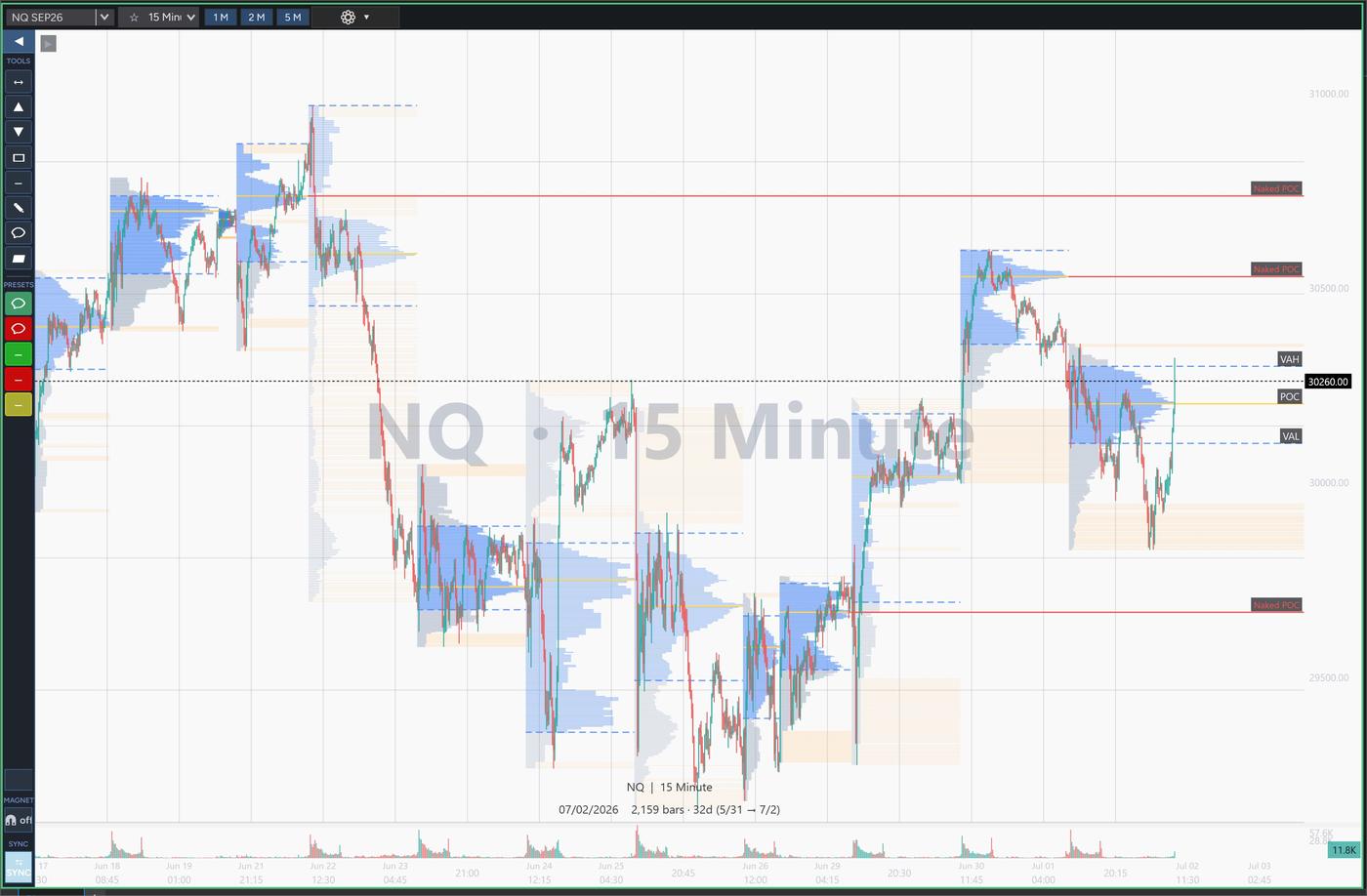
Session and composite profiles, a Naked POC tracker, pivot-based low-volume nodes, and anchored + range VP drawing tools.
Grids up to 3×3 with one-click sync of instrument, timeframe, and price level — including minis with their micros.
Running trendline with distance labels, comment bubbles and callouts, fill-in journaling templates, and save-as-default styles.
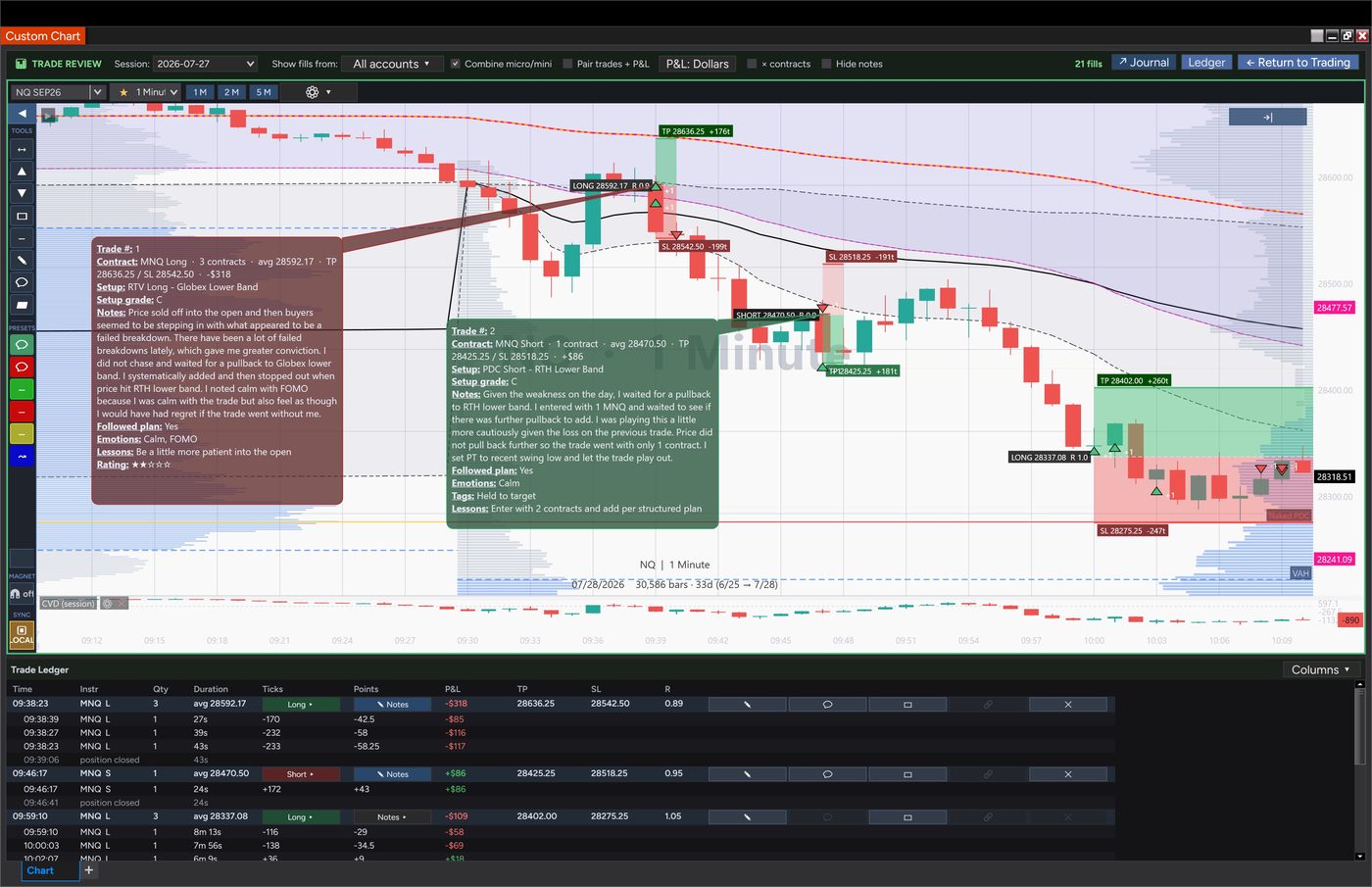
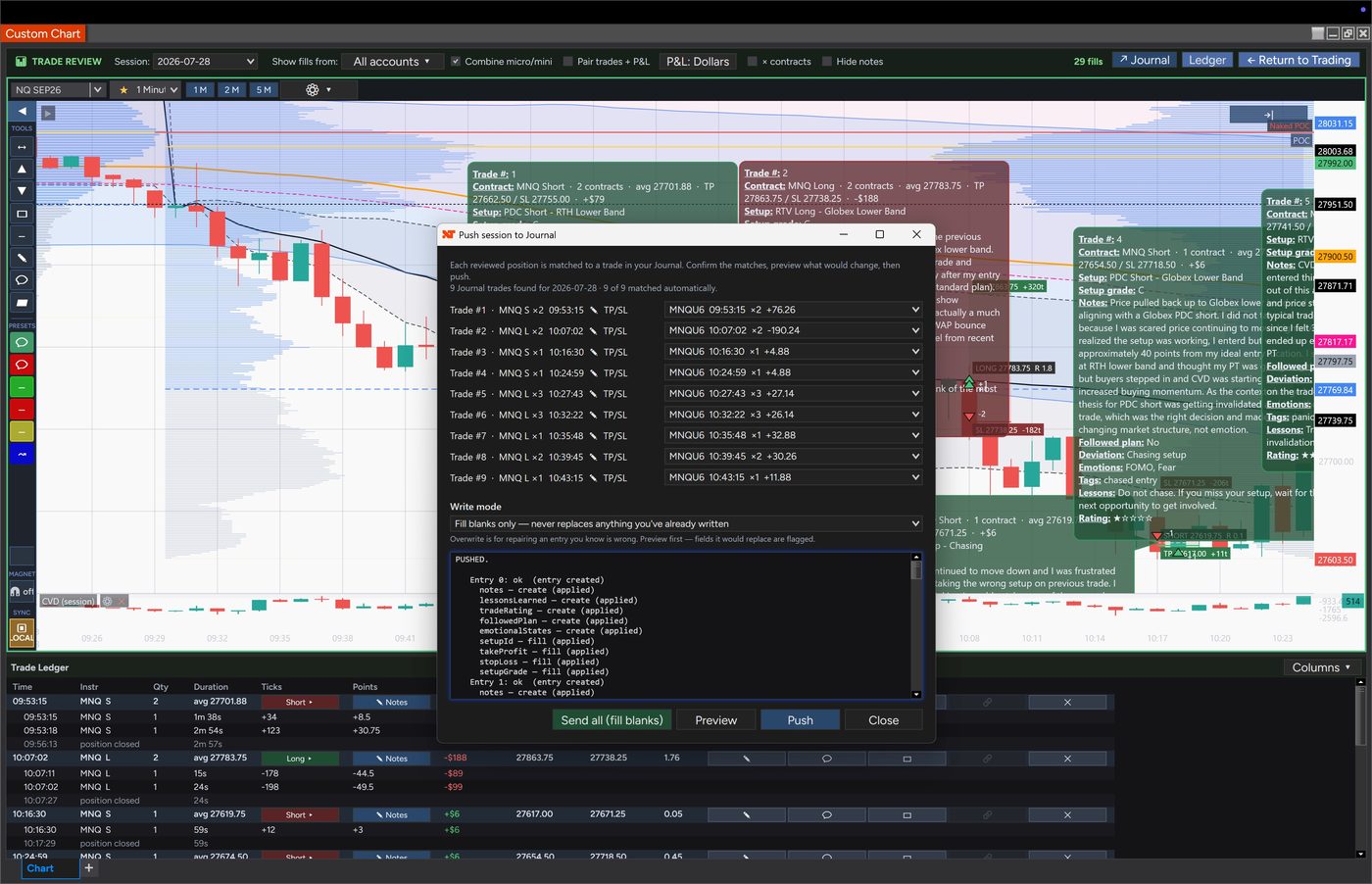
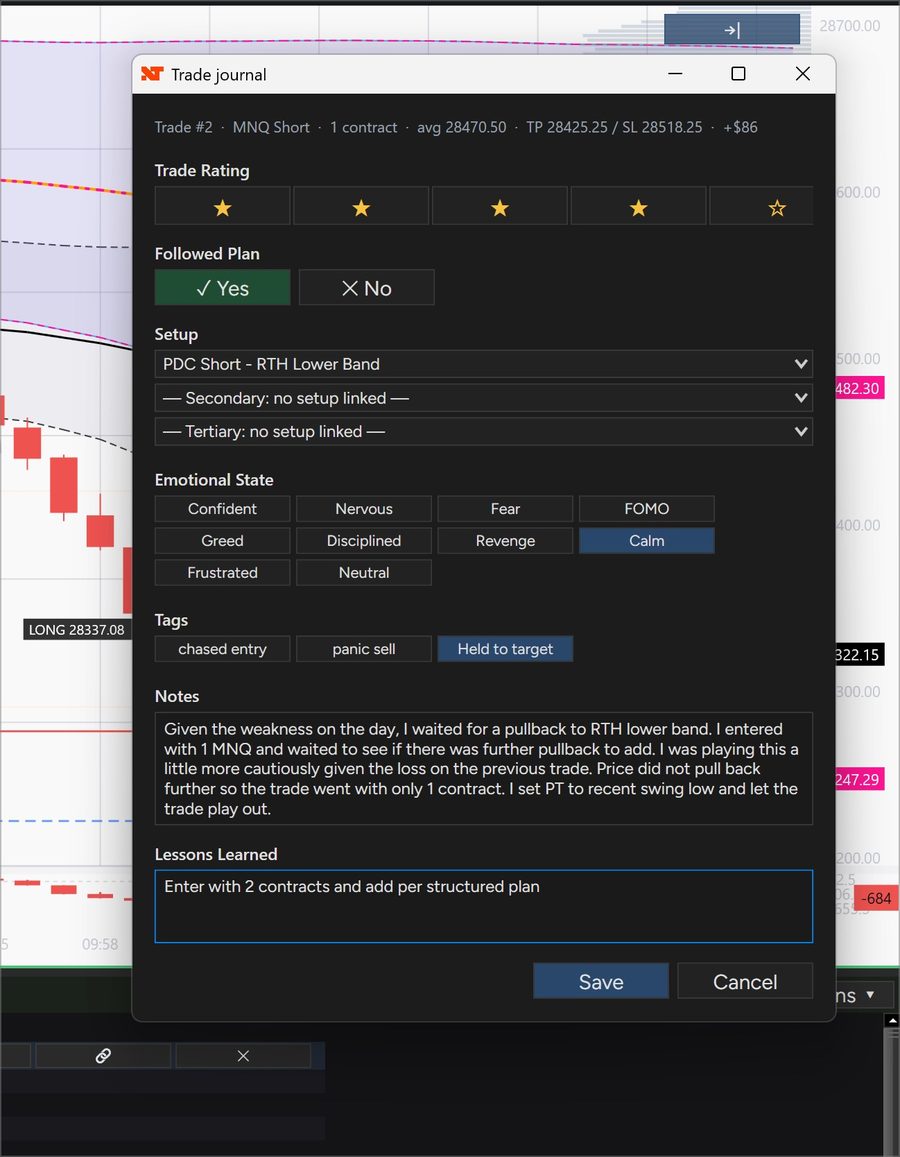
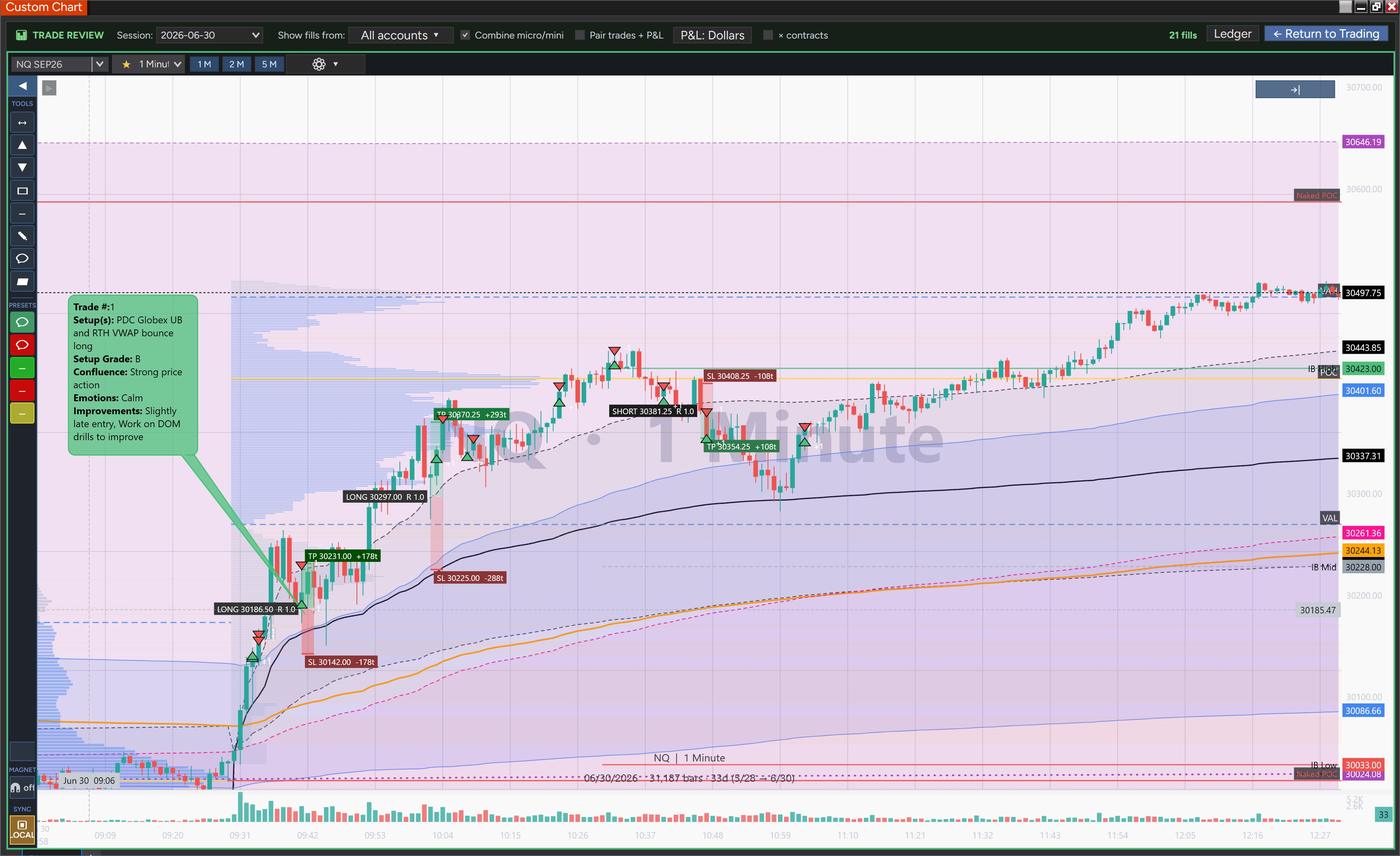
Replay your day with fills grouped into positions, plan tools with live TP/SL/R, a full journaling form per trade, and one-click push to the TradersForge Journal.
Read NQ, trade MNQ: “Trade as” routes orders to the micro with correct on-chart size and dollar labels.
Max order size, market lock and safety confirms, alt-account confirm, plus in-app license and default-account management.
More of what’s inside — the detail behind the highlights.
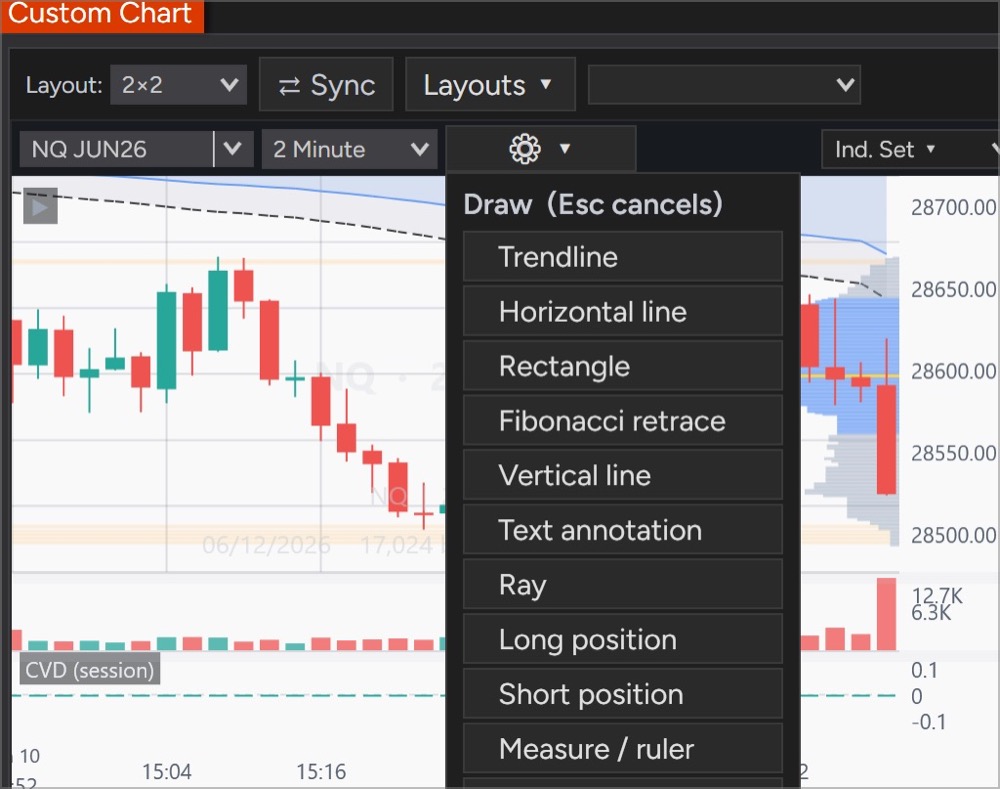
Trendlines, channels, comment bubbles, callouts, and labeled rectangles — with a left-side drawer of pinned tools and saved presets. Mark up NQ and your drawings follow onto MNQ and every layout, surviving restarts.
Save layouts and indicator sets as templates, then pin your go-to setups and timeframes as one-click pills. Set a default chart that loads exactly how you like it every time.
Footprint bars and tick-level Volume Profile detail for reading price acceptance and absorption — rebuilt on demand so charts stay light.
Per-account daily-loss and loss-per-trade limits, plus max-contract caps by size class — applied across every logged-in account.
Place a limit by clicking the chart — above the market sells, below buys. Bind it to a hotkey for one-key entry at the price you want.
Read NQ, trade MNQ. Set “Trade as” in the Trader panel to route orders to a mini’s micro sibling (NQ↔MNQ, ES↔MES, YM↔MYM, RTY↔M2K) while bars stay on the chart you’re watching. The position chip reads “Long 3 MNQ” so size and symbol are never in doubt.
Pair it with CustomDOM and the ladder follows your active chart’s instrument and account automatically. Switch accounts on either side and both stay in sync.
Designed with popular charting platforms in mind, so navigation, drawing tools, and shortcuts feel familiar from day one — right inside NinjaTrader 8.
Click any screenshot to enlarge.
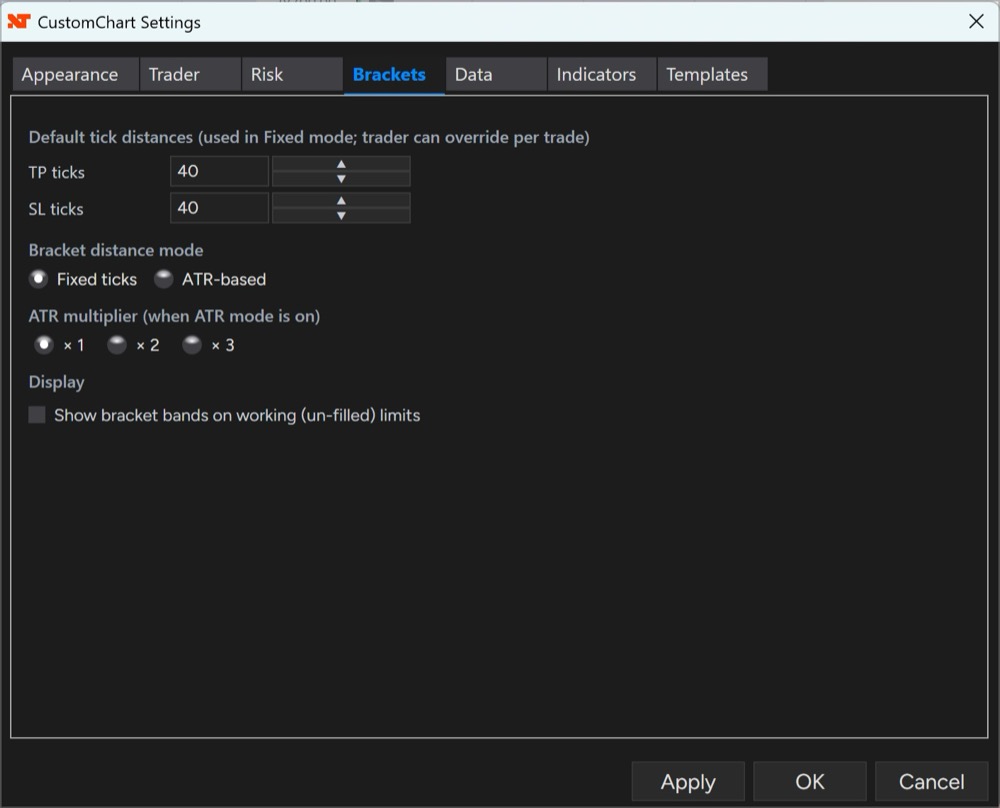
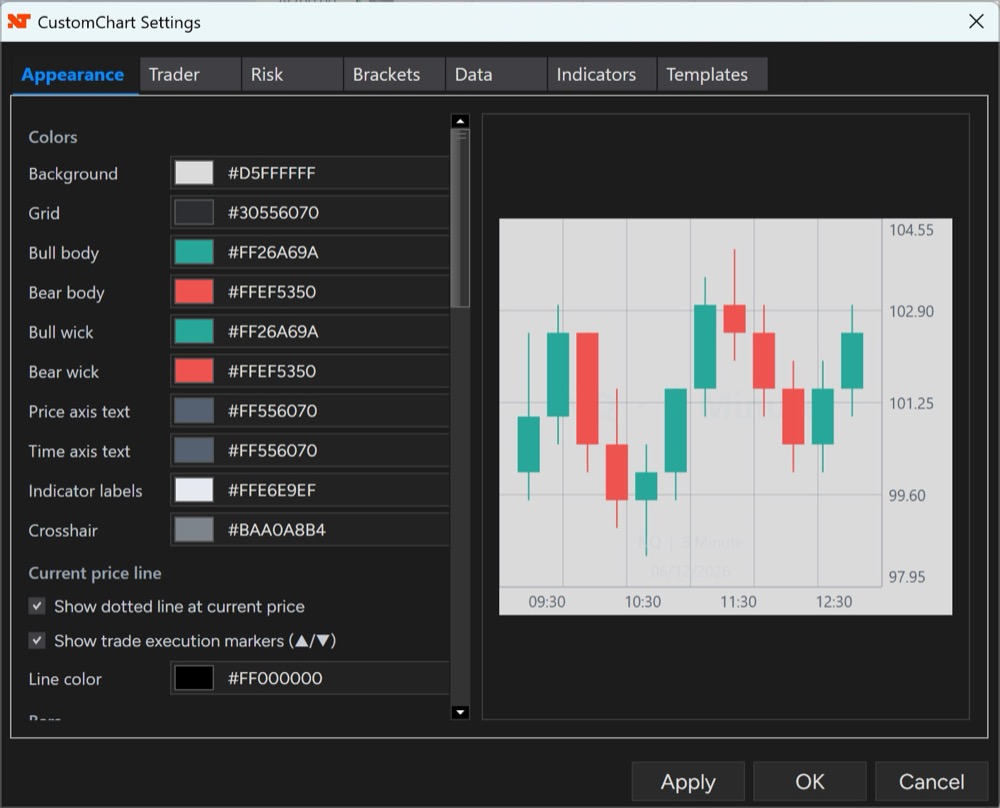
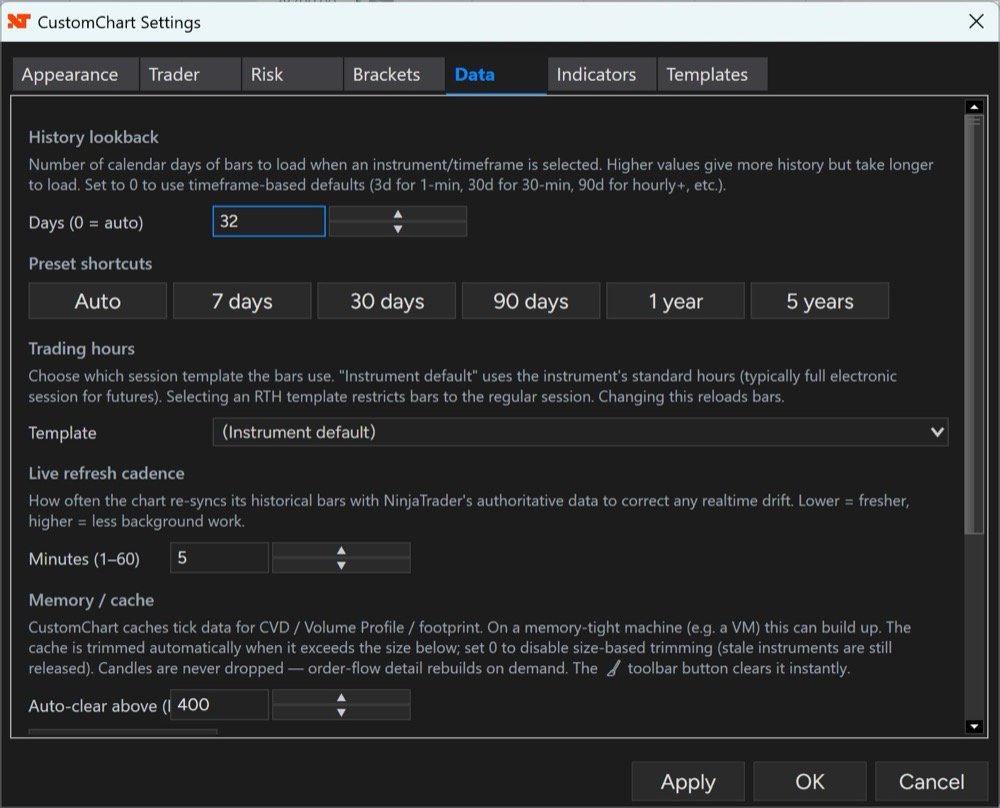
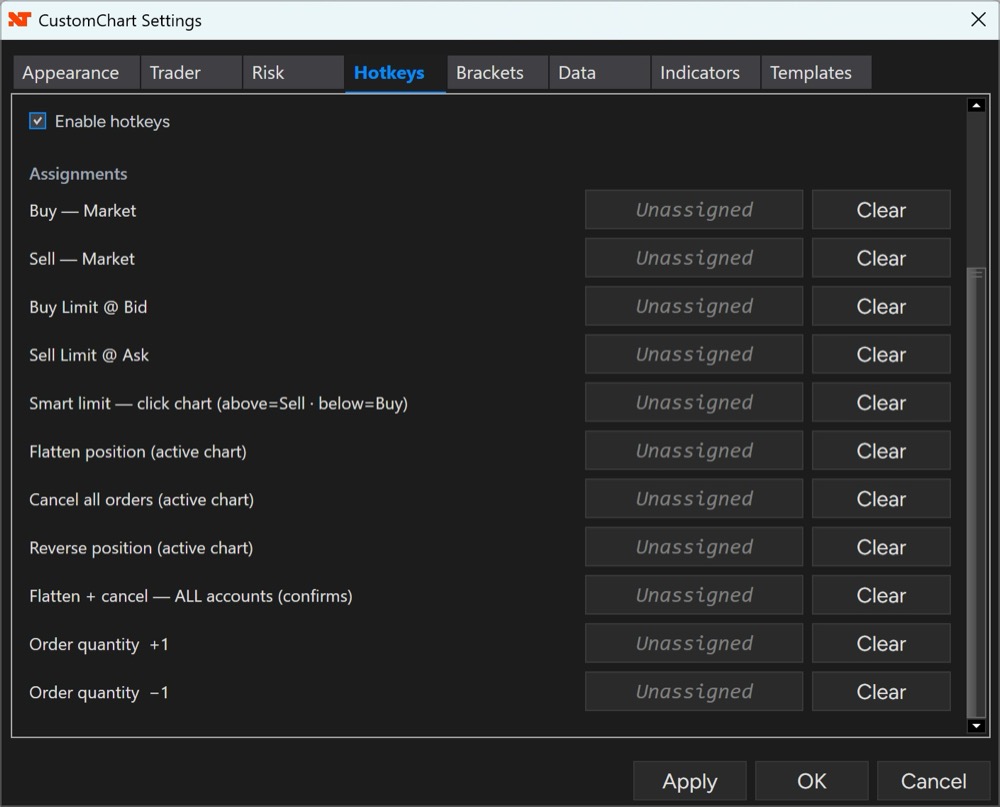
A tabbed settings panel — Appearance, Trader, Risk, Brackets, Data, Indicators, Hotkeys, and Templates — tunes CustomChart to your workflow. Click any screenshot to enlarge.
Upgrading from v1.9 is drop-in — no settings migration. v1.9 brought the big one: the Trade Review ledger groups fills into positions, every position gets a plan tool with live TP/SL/R and a full journaling form that becomes a colour-coded chart bubble, and the whole session pushes to your TradersForge Journal in one action. v1.8.2 fixed the chart-freeze defect behind intermittent “missing bars” and made Initial Balance read identically on every timeframe; v1.8.1 brought CVD parity with NT8’s native Cumulative Delta. Every update is free for license holders.
Pay once and it’s yours forever — or pay $10/month and own it for life after 12 payments. Billing stops automatically.
14-day free trial + 14-day money-back on lifetime — 28 days to be sure.
One-time payment — yours forever
Own it for life after 12 payments
14 days — the full product
Just a free account — ready in a minute
Already purchased? Sign in to access your download and setup guide.
